Keep your image and measurements
Download your illustration, save measurements to revisit later or make a paper keepsake.
Keep a copy of your illustration, save the measurements for another visit, or do both. Here's what each option saves.
Download the image you see today
After generating an image in the drawing tool, select “Download image”. No sign-in is needed, and the PNG file is saved to your device.
“Show measurements” controls whether the exported image includes the four measurements; the scale bar appears in both modes. The download uses the last successfully generated image, so if you've just changed a number, select “Create illustration” first and then download.
The on-screen zoom and calibration factor don't set the physical size of the downloaded image. When you view or print it later, check it against the scale bar and a physical ruler; see the screen calibration and print check guide for details.
Save measurements to revisit later
After signing in, enter an easy-to-recognize record name, tick the save consent box, and select “Save measurements”. What's saved is the gestational week, the four measurements and the record name from the image you generated — you don't need to upload a full ultrasound report.
For example, you could name it "28-week keepsake". Next time, open Saved measurements, choose that record, and the matching size will reopen.
History records are for redrawing, so the look may change as the drawing improves. If you want to keep the version you see today, download the image as well.
Which option should you choose?
| What you want to do | Best option |
|---|---|
| Keep today's image or send it to family | Download the image |
| Reopen this week's measurements and size next time | Save to history |
| Keep both the measurements and the current look | Use both options together |
| Make a paper keepsake | Calibrate the screen and trace, or check a printed copy against the scale bar |
Turn the outline into a paper keepsake
First calibrate your screen with a physical ruler and keep the calibrated “Actual size (100%)”. Then gently tape tracing paper to the screen and lightly trace the baby's outline with a pen. Don't press hard on the screen.
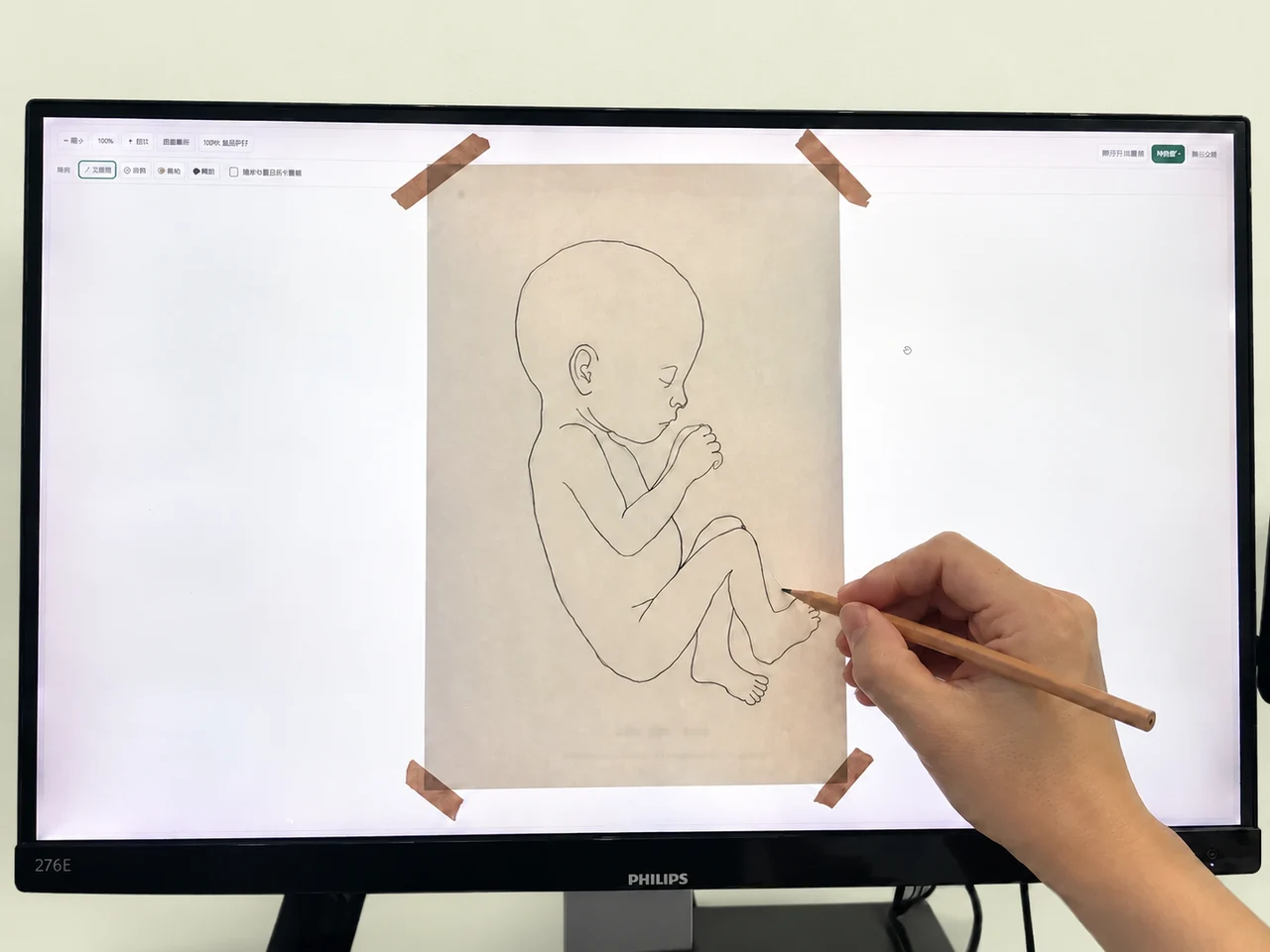
Cut along the outline and rest it gently against your bump for a sense of your baby's size.
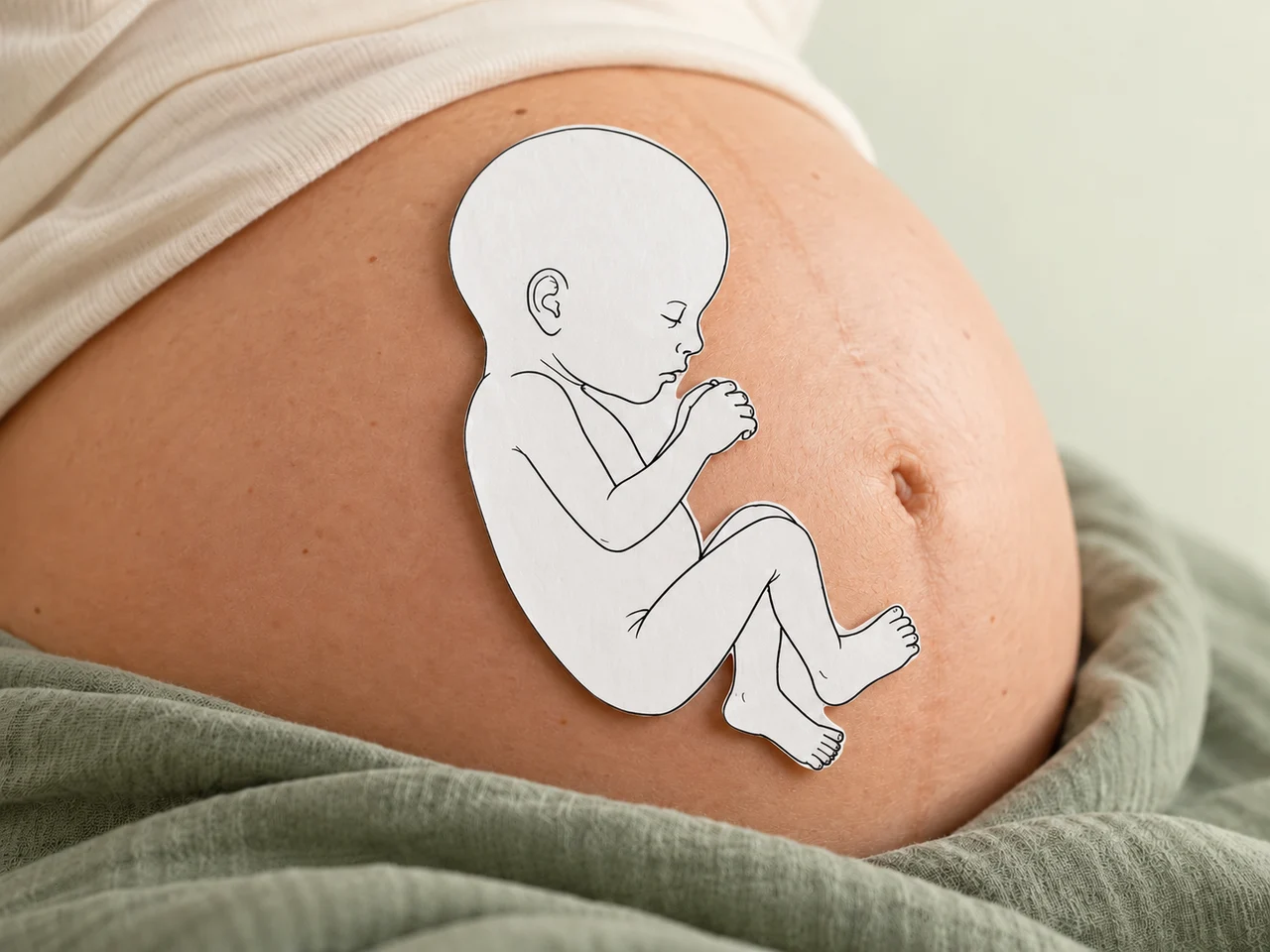
Add the date, your week of pregnancy and a note to your baby on the back—a small reminder of this moment. For the full three-step guide, see the paper keepsake guide on the home page.
This outline is for size illustration and keepsake purposes. It doesn't show your baby's actual position, pose or appearance in the womb.
Deleting records and understanding your data
In “Saved measurements”, select Delete and confirm to remove that record from your account. Images already downloaded to your device need to be managed on the device itself.
The site also processes usage information such as generation and export as described in the privacy policy; this is separate from the account history you choose to save. Deleting a history record doesn't automatically delete related usage logs. If you'd like those deleted too, you can make a request through Contact us.