BabySize

Picture your baby's size

Your ultrasound measurements, pictured

Use four measurements to picture your baby's size

Screen not calibrated
Sample preview · Enter your measurements to begin Sample baby size illustration, blurred until you enter measurements
Start with your scan

Enter your ultrasound measurements to picture your baby's size.

Edit measurements

Your ultrasound measurements

Use millimeters (mm). Decimals allowed.

weeks

14–40 weeks

mm

mm

mm

mm

Calibrate your screen

Measure the line below with a ruler from the center of one end mark to the other, then enter its length in millimeters. This adjusts the illustration and scale bar together.

Reference line
mm

After calibration, select “Actual size (100%).” At 200%, 1 cm appears as about 2 cm on screen. Recalibrate if you change screens or browser zoom.

Checking sign-in status…

A keepsake to hold

Turn the outline into a paper keepsake
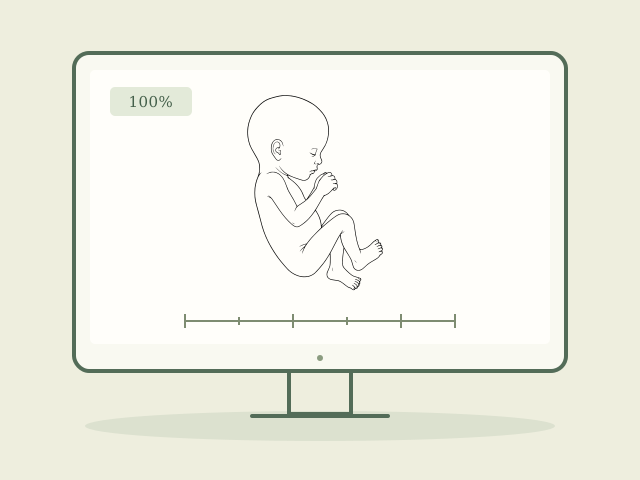
  1. Black-and-white baby outline on a computer screen

    Prepare the outline

    Turn off measurement labels, choose “Outline only,” and use the calibrated “Actual size (100%)” view.
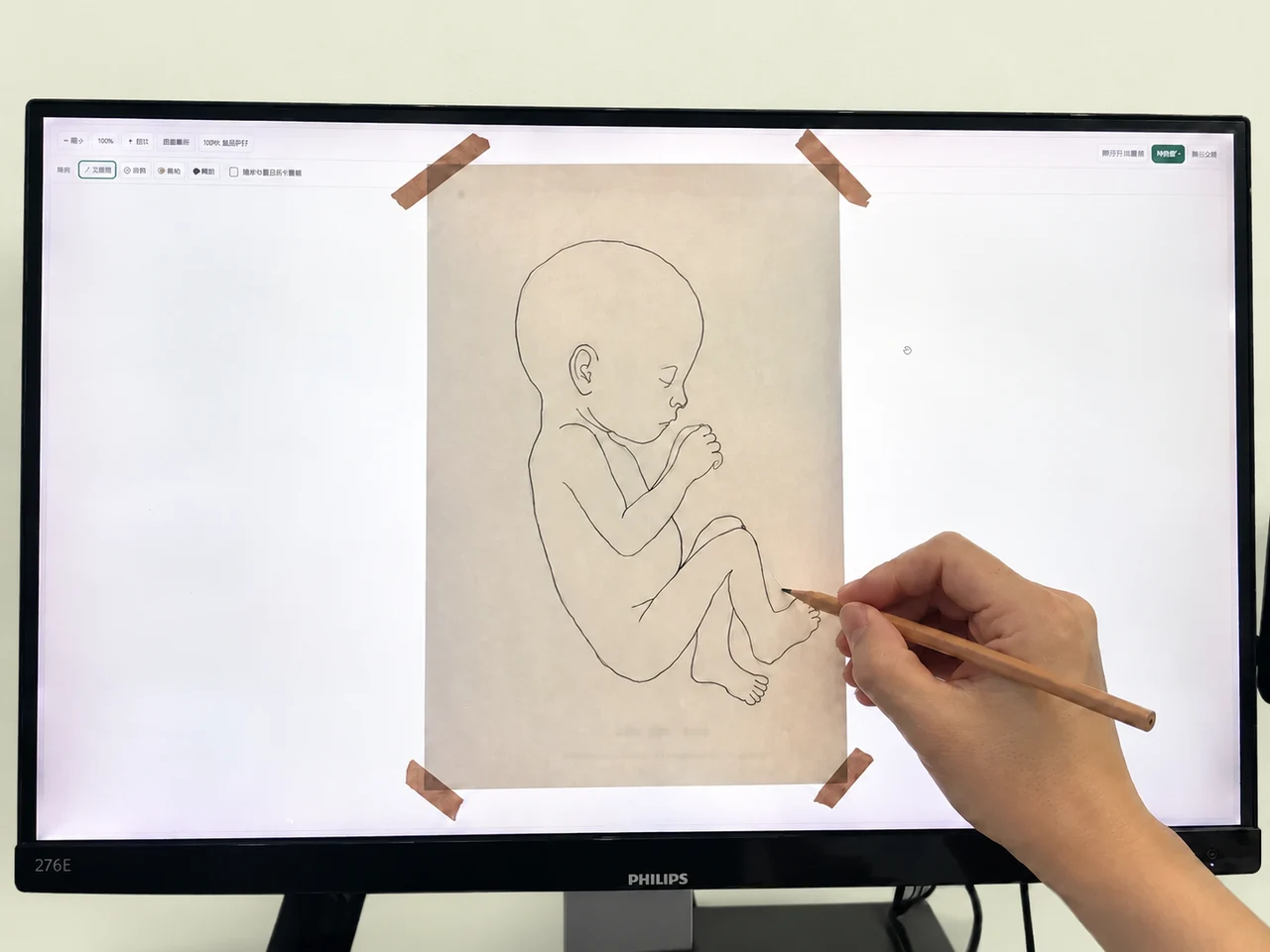
  2. A hand lightly tracing the baby's outline onto paper held against a computer screen

    Trace it onto paper

    Place a sheet of paper gently against the screen and trace lightly in pencil.
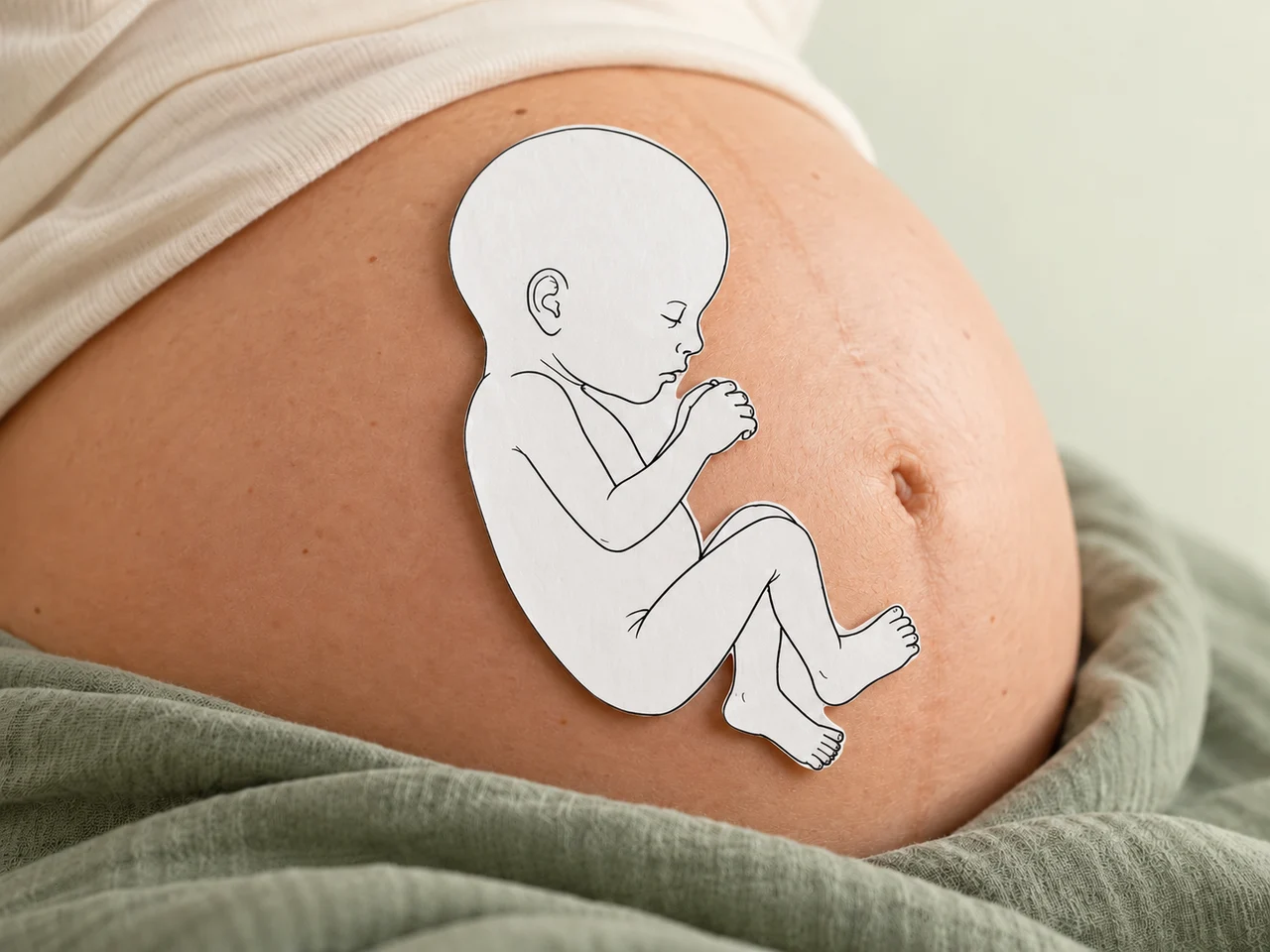
  3. A white paper cut-out of a baby's outline resting on a pregnant belly

    Hold it against your bump

    Cut along the outline and rest it gently against your bump for a sense of your baby's size.

Add the date, your week of pregnancy and a note to your baby on the back—a small reminder of this moment.

Keep the calibrated 100% view while tracing. The outline is a size guide.

Saving images and making keepsakes ↗